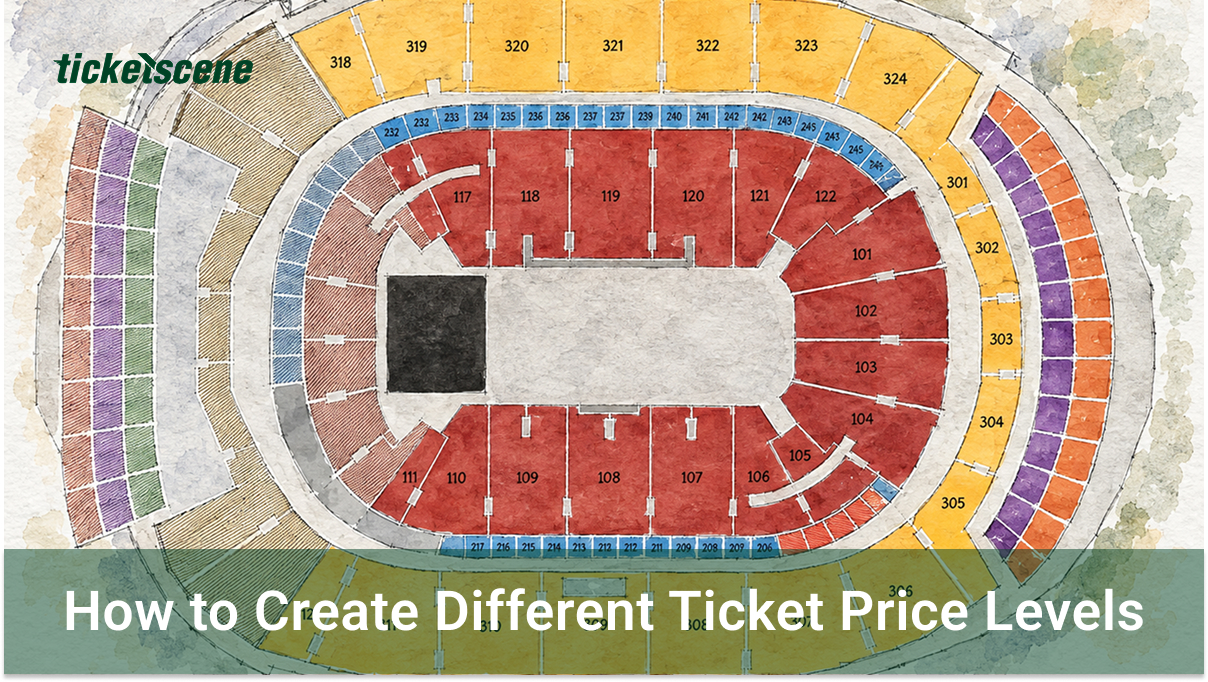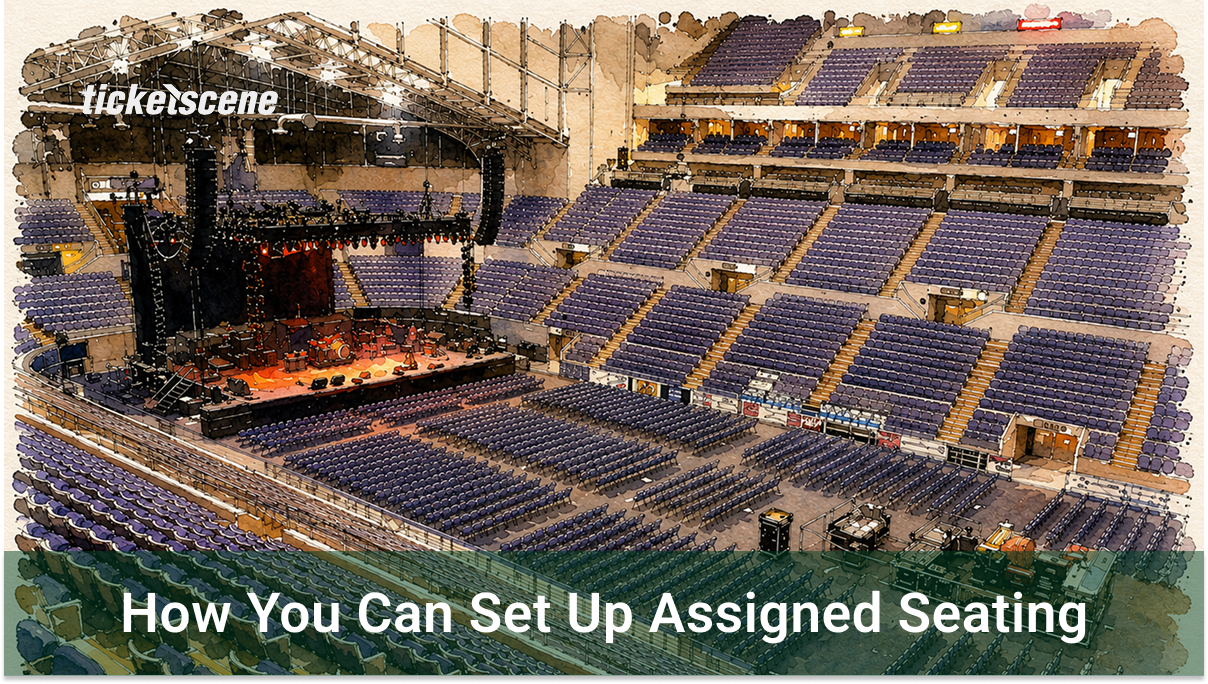
Do you have a seating map for your venue that you want to be interactive on your event listing? Need ticket buyers to choose a specific seat when they purchase? Ticketscene supports assigned seating for venues with a fixed layout. Here is how to get it set up for your event.
Send Us Your Venue Layout
Assigned seating is configured by the Ticketscene team on your behalf. This is due to the interactive nature of a seating map and having to create it from scratch.
To get started, email your venue’s seating layout to info@ticketscene.ca and we will set it up for you.
*Please note that we prefer to receive a venue’s seating layout in either PDF or JPEG format.
Once we have your layout, we will build out the seating map and have it ready for your event.
Running the Same Event Again?
If you already have an event with assigned seating set up on Ticketscene and you want to use the same seating map for a new date, there is no need to send the layout again.
Simply clone the existing event and the new event will automatically carry over the seating map.
Have Questions About Assigned Seating?
Reach out to the Ticketscene team at info@ticketscene.ca and we will be happy to walk you through the process.