If your event uses assigned seating, Ticketscene gives you the ability to reserve tickets and block individual seats so they cannot be purchased, and to unblock them again when needed. This is useful for holding seats for guests, managing venue capacity, or reserving sections for production or accessibility requirements.
Getting to the Assigned Seats Tool
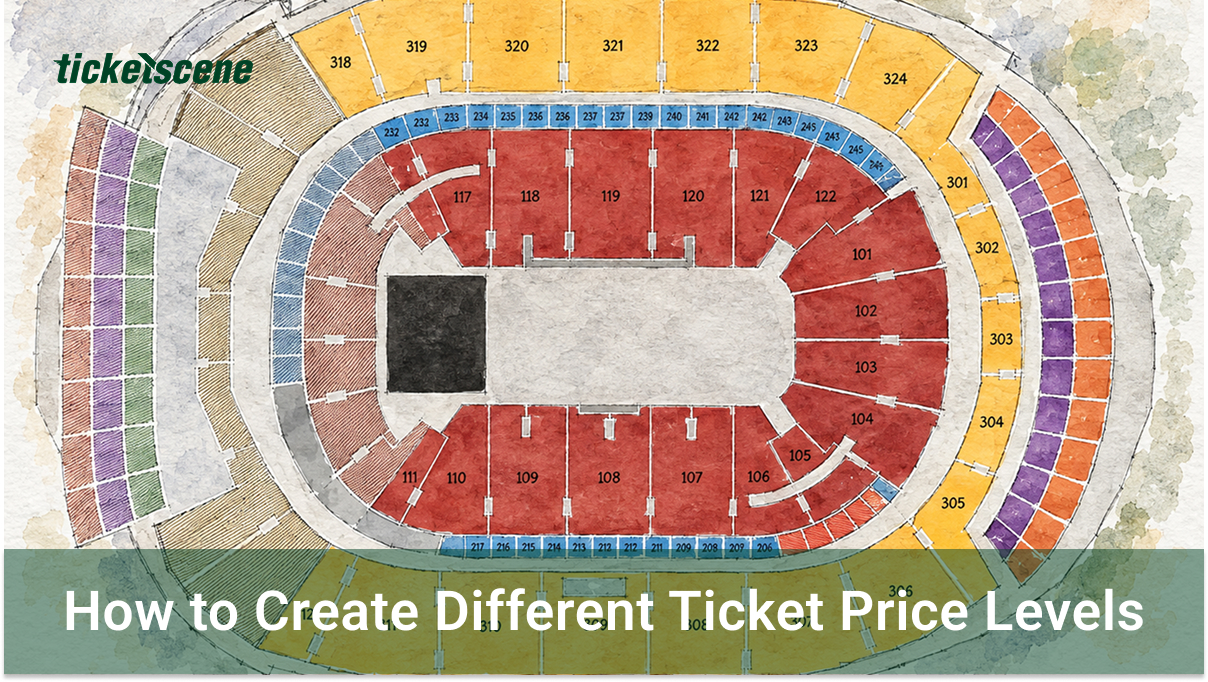
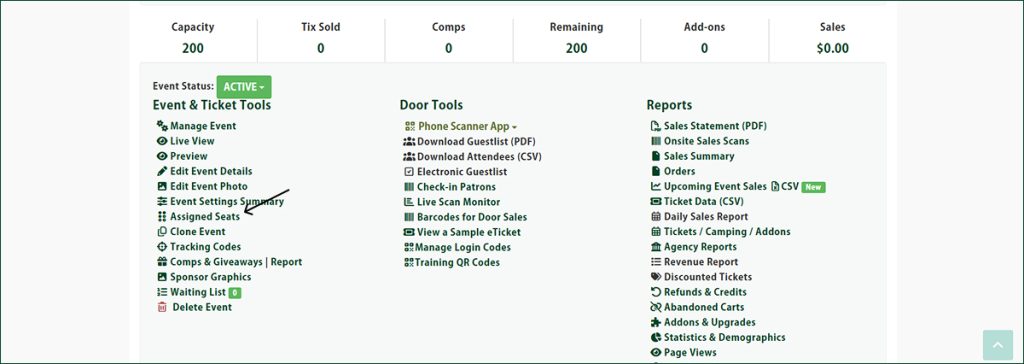
From the event management page, click Assigned Seats. This will open the seating map for your event.
How to Block or Unblock a Seat
Once you are on the seating map, follow these steps:
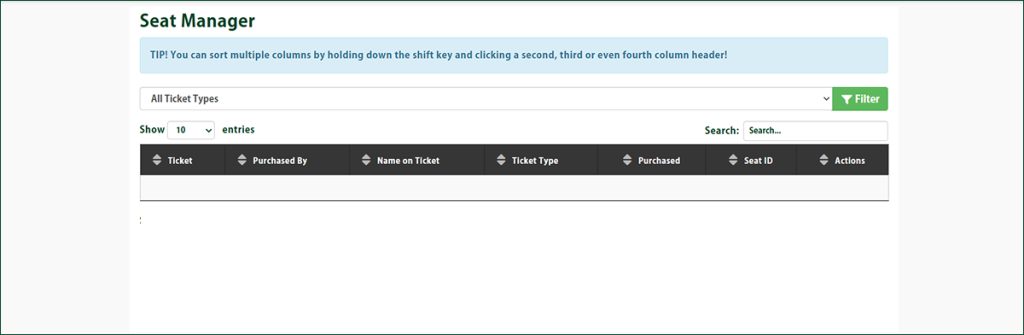
- Click the green Block/Unblock Seats button.
- Click the seat you wish to block or unblock.
The seat status will toggle with each click, so the same process applies whether you are blocking an available seat or releasing one that was previously blocked.
Have Questions About Managing Your Seats?
If you need assistance with your seating setup or have questions about how assigned seats work on Ticketscene, reach out to our team at info@ticketscene.ca and we will be glad to help.