Organizing an event takes significant time, budget, and effort. Between securing the venue, booking artists or speakers, coordinating vendors, and driving ticket sales, most of the team’s energy goes into making the event itself a success. But once the doors close and the last attendee heads home, many event organizers only use a fraction of the content they’ve captured. With the right strategy, a single day of footage can become months of marketing content, from social media clips and speaker spotlights to customer testimonials and promotional videos for your next event.
Start Planning Before the Event Begins
The most effective event content strategies begin well before filming starts.
Too many event teams hire a videographer, tell them to “get everything,” and only think about what to do with the footage after the event wraps. That reactive approach almost always leads to hours of unused clips sitting in a shared drive.
Instead, plan the content you’ll need after the event rather than filming everything and deciding later.
Do you want short social videos for Instagram and TikTok, a recap page for your event website, LinkedIn posts featuring headline speakers or performers, or testimonials you can use in next season’s ticket campaign?
Answering that question before your event even opens its doors changes how your videographer shoots the day and dramatically improves how usable the footage is afterward.
Build a Shot List Around Your Event’s Story
After setting your content goals, create a shot list that treats the event like a story with a beginning, middle, and end rather than a checklist of moments to capture.
A strong shot list typically covers the keynote or headline performance, crowd and audience reactions, networking and mingling moments, product demonstrations or activations, venue and branding footage, behind-the-scenes setup and teardown, and short interviews with attendees as they exit.
Getting a wide range of footage gives your marketing team more options when it’s time to edit and repurpose content, and it means you’re not scrambling for b-roll six months later when you need a teaser for the next event.
For ticketed events specifically, it also helps to capture footage near entry points, box office lines, and merchandise tables. This kind of footage rarely makes the recap reel, but it becomes valuable when you’re building future promotional material that shows real demand: long lines, full venues, and genuine energy tend to convert better than polished, staged shots.
Create a Highlight Reel From What You Have With Your Event Video Footage
A highlight reel is one of the simplest and most effective ways to make your event last longer in the minds of attendees and prospective ticket buyers alike.
A good recap video shows the energy of your event and its best moments rather than trying to document every detail. Instead of a chronological walkthrough, focus on giving viewers a feel for the experience: the crowd’s reaction to the headliner, the moment a product launch got its loudest applause, or the atmosphere during a networking break.
Include standout speaker or performer moments, genuine attendee reactions, networking highlights, and wide shots that capture the scale and atmosphere of the venue. Keep social media versions short, usually under a minute, while longer edits of two to three minutes can live on your event website or in post-event email campaigns to past attendees and sponsors.
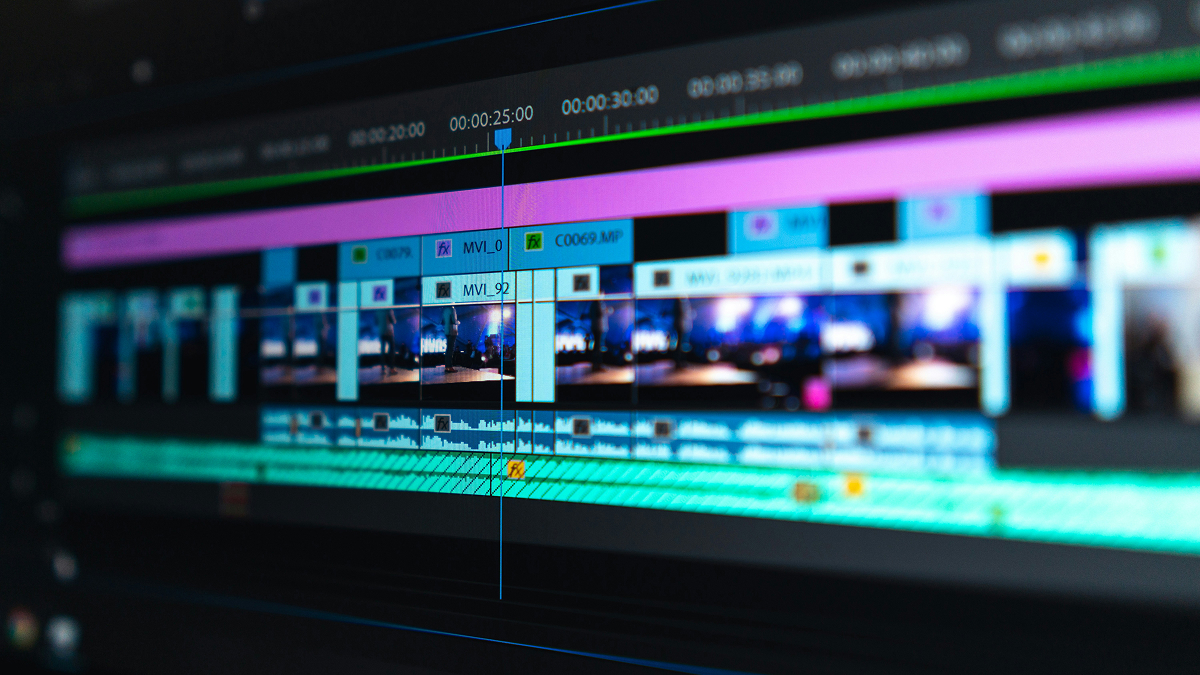
Modern video editing tools with AI-assisted features let marketing teams quickly cut footage, add branding overlays, generate subtitles, and produce polished recap videos without needing an in-house editor or advanced production skills.
Recap videos are not just to commemorate the event. They function as social proof for your next one. Because 82% of event organizers now create video-on-demand content from their events, a well-produced recap has become an expected part of the post-event marketing cycle rather than a nice-to-have.
When a prospective attendee is deciding whether to buy a ticket to next year’s event, seeing genuine crowd energy from last year’s recap is often more persuasive than any description on a landing page.
Turn Long Videos Into Social Media Content: Your Followers Will Love It
One keynote presentation, headline performance, or panel discussion can become dozens of social media posts. Look for memorable quotes, useful tips, audience questions, and product demos that stand well on their own outside the context of the full recording.
These short clips are well suited to LinkedIn, Instagram Reels, TikTok, and YouTube Shorts, where attention spans are shorter and the algorithm favors frequent, native-feeling content over long-form video.
Instead of sharing everything right after the event, spread your posts out over several weeks to keep your audience engaged and to extend your event’s visibility well past its actual date.
Event marketers have nearly doubled the number of promotional channels they use in just a few years, moving from an average of under five channels in 2022 to close to ten channels by 2024, which makes a steady drip of short clips across platforms far more effective than a single burst of content the day after the event.
AI-assisted video tools can save significant time here. Rather than manually scrubbing through hours of footage, a video editor with an automatic clip-finding feature can quickly surface key moments and turn long recordings into short, shareable clips ready for scheduling.
Content marketers who actively repurpose material this way report notably stronger performance than those who rely solely on one-off original content, and a large share of marketers point to repurposing as their single best-performing content strategy.
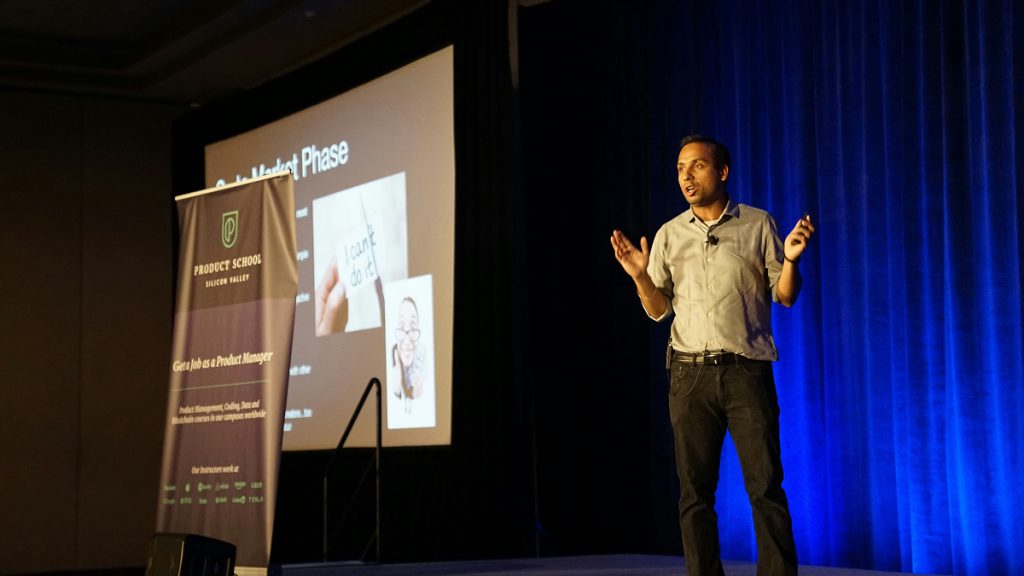
Create Speaker and Performer Spotlights
Events usually include experts, headliners, or performers who share valuable insights, entertainment, or expertise worth saving and reusing well beyond the event itself.
Speaker spotlight videos let you feature individual presenters and turn their talks or performances into standalone educational or promotional content. A sharp quote, a useful framework, an industry prediction, or a standout musical moment can become a piece of content that works well independently on many platforms.
These videos help build authority for your event brand, boost engagement from niche audiences who follow that specific speaker or artist, and often inspire the speakers themselves to share the content with their own followers.
That last point is easy to underestimate: when a keynote speaker or performer reposts your edited clip of their own segment, your event gets exposure to an entirely new audience at no additional cost.
Many event marketing teams use AI-assisted video tools like VEED’s AI video tools to speed up this kind of editing, allowing them to create professional speaker and performer content without spending hours on traditional, manual editing.
Speaker and performer spotlight videos also pair naturally with dedicated pages on your event website.
Linking each spotlight clip to a speaker bio page, a past-event archive, or a “meet the lineup” page for your next event both keeps visitors on your site longer and gives search engines more context about who was involved in your event, which can help those pages rank for searches related to that speaker or artist.
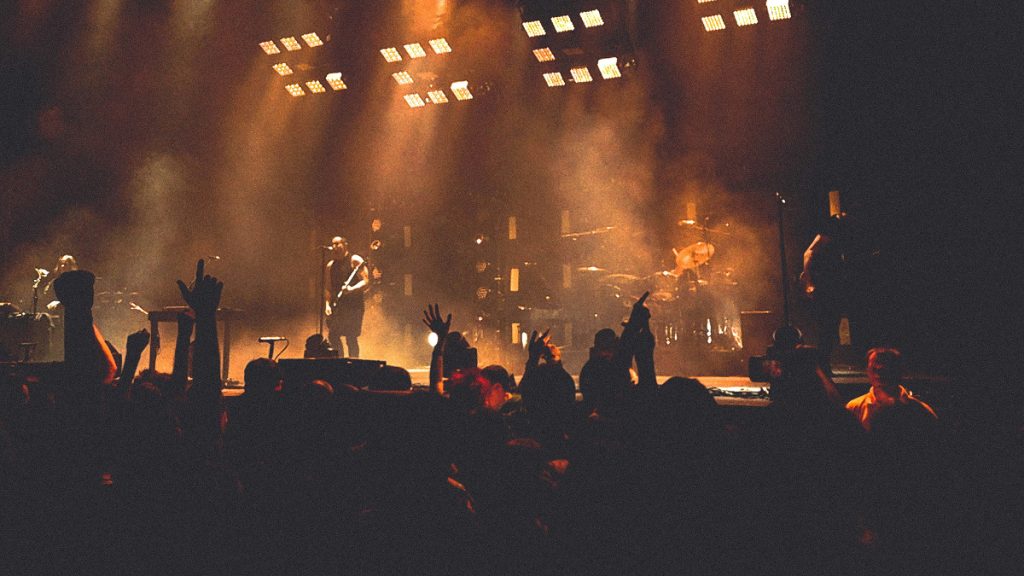
Capture Testimonials From Audience Members While the Energy Is High
Attendee testimonials are among the most powerful marketing tools an event organizer can have, and they are consistently underused.
The best time to record testimonials is during the event itself, while attendees are still excited about their experience and haven’t had time to forget the specific details that made it memorable.
Ask simple, open-ended questions such as what their biggest takeaway was, what they enjoyed most, or whether they would attend again. You can use these answers across social media posts, landing page videos, post-event email campaigns, and future ticket sale promotions. Authenticity is more important than perfection here.
Real, slightly imperfect reactions usually connect better with prospective attendees than scripted, overly polished answers, and audiences are generally good at spotting the difference.
This matters more than ever given how much trust now factors into event attendance decisions. Attendees who recall a brand or event partner from a previous experience tend to show meaningfully stronger trust associations, and a large majority of attendees report trusting a brand or organizer more after a positive in-person interaction.
A genuine, on-camera testimonial captures that trust in a format you can reuse indefinitely.
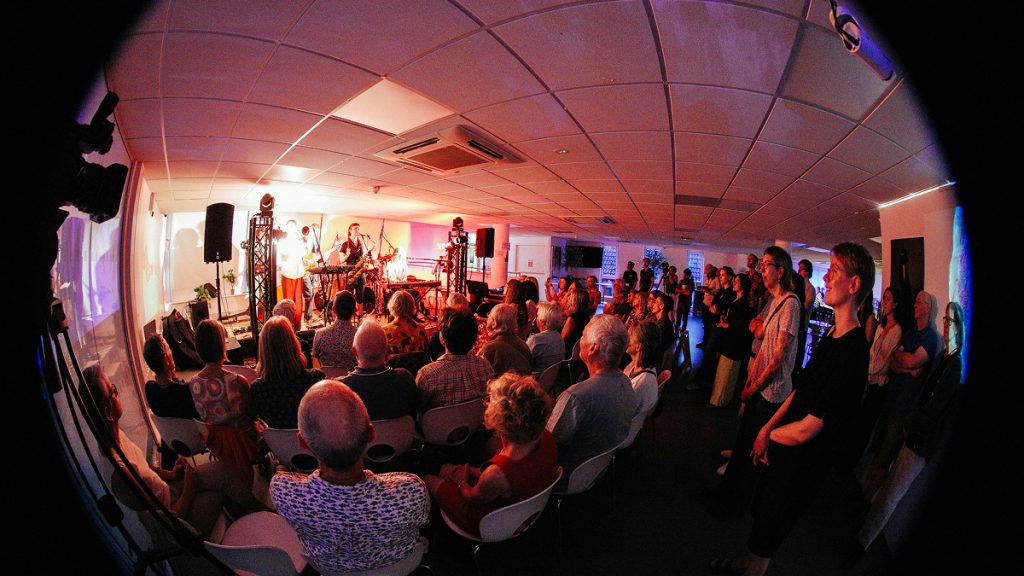
Use Event Footage to Promote Future Events in Whatever Way You Can
A great way to use event footage is to promote your next event before you’ve even finished wrapping up the current one.
Rather than simply telling prospective attendees why they should come, show them. Use clips of engaged audiences, standout speaker or performance moments, networking energy, and genuine attendee reactions to demonstrate your event’s value instead of describing it in a bullet-pointed landing page.
From this footage, event teams can build several distinct assets: short teaser videos announcing the next event, registration campaign ads aimed at lookalike audiences, speaker or artist announcement videos, and sponsor recap videos that help justify renewed sponsorship investment.
Sponsor-facing recap content in particular tends to be underused, even though it directly supports one of the more difficult parts of event planning: proving ROI to the partners who help fund it.
As your video library grows across multiple events, staying organized becomes essential. Sorting clips by topic, speaker, venue, and event type will make future campaigns significantly easier to plan and produce, and it prevents your team from re-shooting content you may already have sitting unused in storage.
If you’re sharing videos across many platforms and file types, a video compressor can help reduce file sizes without losing quality, which makes uploading, sharing, and archiving considerably easier for a growing content library.
Building an Internal Content Library and Linking Strategy
Once you have a few events’ worth of footage organized, it’s worth building a simple internal hub on your website that links these assets together:
- A past-events archive page linking out to individual recap videos
- Speaker spotlight pages linking to their respective talks
- A testimonials page linking to your upcoming event’s registration page
This kind of internal linking structure not only helps visitors navigate your content more easily but also helps search engines understand the relationship between your event pages, which can improve visibility for searches related to your event series, your venue, or your recurring speakers and performers.
Make Every Event Work Harder When You Monetize Video into Marketing
Event footage shouldn’t be treated as a one-time asset that gets used once and forgotten. Every keynote, performance, audience reaction, networking moment, and testimonial has the potential to become valuable content long after the event itself is over.
Given that events are increasingly evaluated on measurable outcomes like pipeline influence and ticket sales rather than attendance numbers alone, footage that keeps generating engagement for months after the event directly supports the case for future budget and sponsorship.
By planning your content strategy before the event begins, building a shot list that captures the full story of the day, and using AI-assisted tools like VEED and similar AI video platforms to streamline editing and repurposing, you can turn a single event into a content engine that supports your marketing efforts for months.
In other words, you may want to think of strategies such as this along these lines. The event organizers who consistently fill venues aren’t necessarily running bigger events than other promoters. They’re simply often just getting more out of the ones they already have.